Smarter Onboarding.
Lower support costs.
Happier Users.
UniGuide is an in-product AI agent that helps users understand your product, reach value faster, and adopt advanced features — directly inside your UI.
REQUEST A DEMO
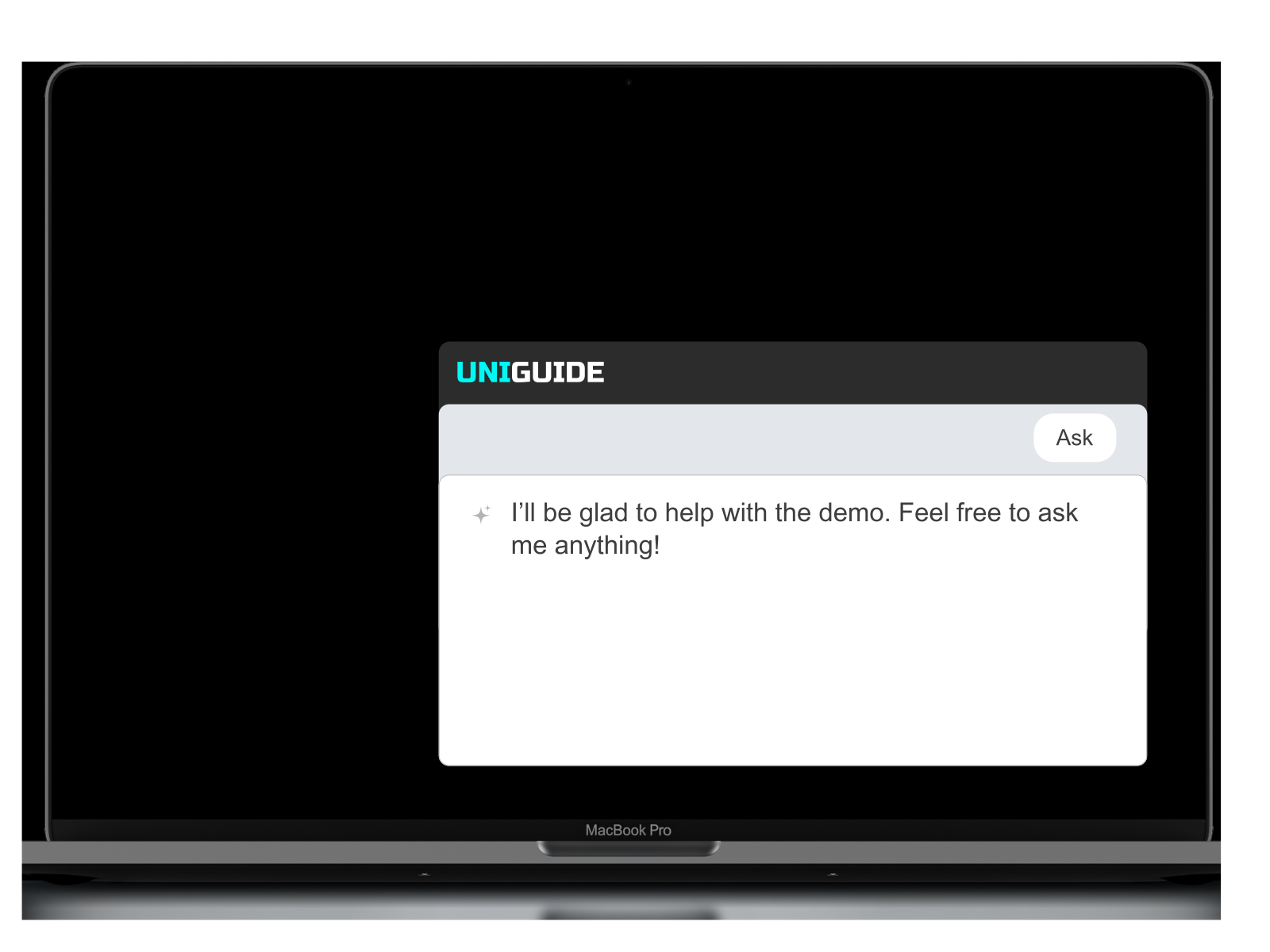
AI-assisted guidance with a built-in Co-Pilot chatbot

Reduces support and training costs
Better user engagement and reduced churn
Struggling with Scaling Support and Onboarding?
Your team is probably tired of answering the same “How do I…?” questions every day
Your users are frustrated when they have to search for answers
outside your product.
And your onboarding process is draining both time and budget.
It’s time for a smarter solution.
UNIGuide — The AI Agent
Built for SaaS Growth
- AI Agent takes control of the cursor when needed to
guide users visually or complete tasks for them - Drives feature adoption by walking users through new
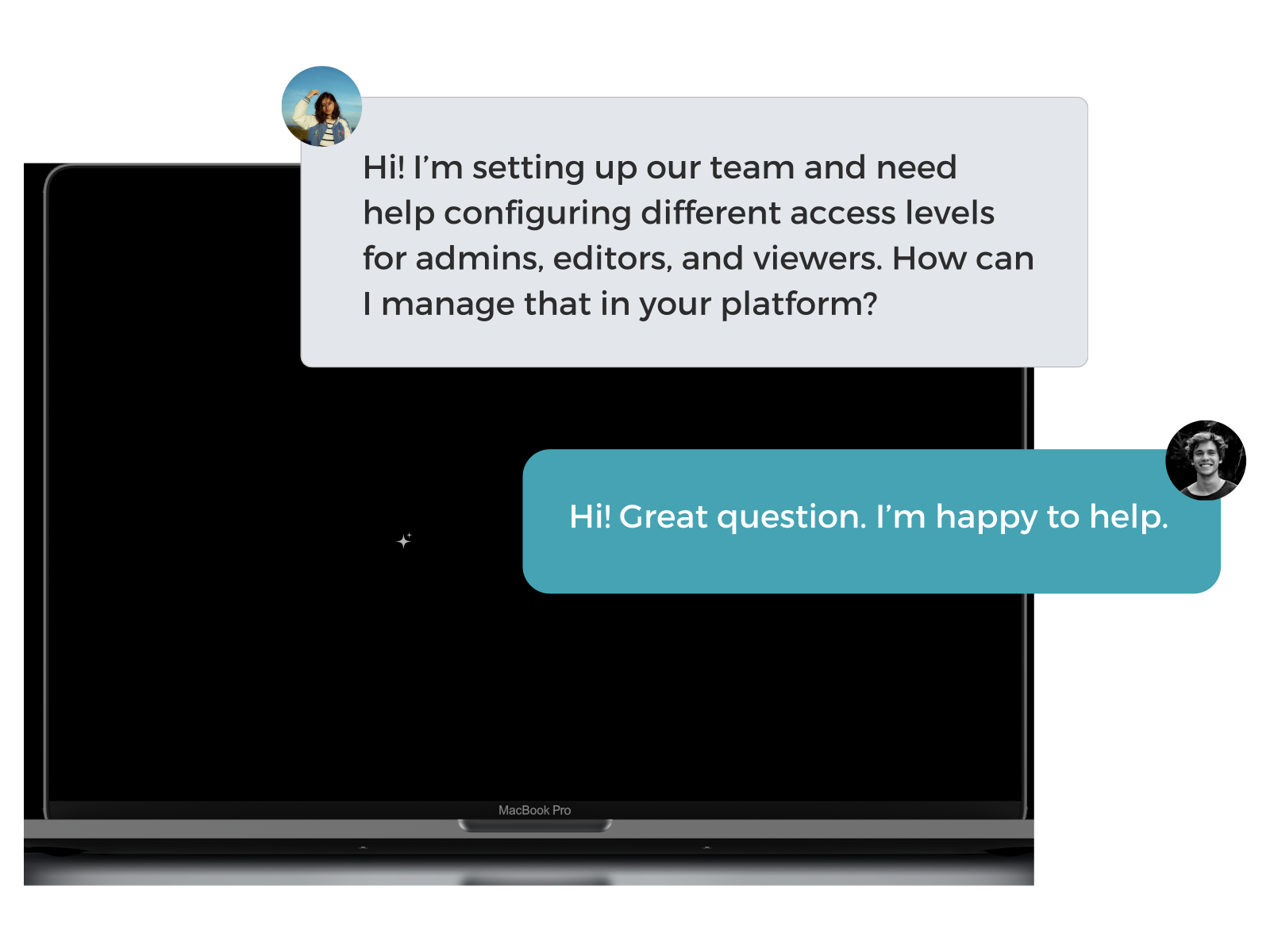
functionality as soon as it’s released - Understands context and responds intelligently based
on each user’s role, behavior, and current screen - Our Agent accepts text or voice commands
What You Get with UNIGuide
- Personalized onboarding for every user
- Faster time-to-value for your product
- Reduced support volume and training costs
- Higher user engagement, and retention
- Positions your product as a premium solution
Platform Components & Capabilities
- Embedded chat widget or sidebar
- Frontend SDK for seamless integration
- Chat logs and usage analytics
- Up to 20 customized UI interaction scenarios
- Tailored Knowledge Base with up to 100 pages
Covers Every Stage of the User Journey
- Employee Training
- Product Demos
- New User Onboarding
- Feature Rollouts
- Trial-to-Paid Conversion
How UniGuide Works in Practice
- Joint workshop to define scope and success metrics
- SDK integration with engineering support
- AI training and customization for your product context
- Pilot release with validation and fine-tuning
- Ongoing production updates, monitoring, and free model upgrades
Ready to See UNIGuide in Action?
UNIGuide FAQs
Q: Does Uniguide actually perform actions, or just guide users?
A: Both. Uniguide highlights what needs to be done and, when appropriate, can take control of the cursor to perform specific tasks on the user’s behalf.
Q: What if we release a new feature or redesign a workflow?
A: No problem. Uniguide is designed to evolve with your product. You can easily update flows or add new ones to support feature rollouts, UI changes, or new use cases.
Q: Is it suitable for internal teams as well as external users?
A: Yes! Uniguide is ideal for customer onboarding, employee training, partner enablement, or any workflow where step-by-step guidance adds value.
Q: Can it adapt to different user roles or product tiers?
A: Absolutely. Uniguide delivers personalized guidance based on user role, permissions, behavior, or even subscription level.